
 Analysis by Gamescozy
I find that Block Craft 3D: Building Game is easiest to enjoy when I treat it as a relaxed building toy rather than a challenge to rush through. Its appeal is the freedom to shape a little world at my own pace: I can begin with a simple idea, add a few details, and come back when I feel like building again. That makes it a natural fit for short breaks, though the open-ended approach can also leave new players wondering what to do first.
Finding a first project when the world feels open
The main early stumbling block is not a difficult control scheme so much as a lack of direction. A blank stretch of space can be exciting if I already have a plan, but it can feel oddly unhelpful if I expected the game to hand me a clear sequence of objectives. I get more out of the first session by choosing one modest project—perhaps a small house, a path, or a recognizable landmark—rather than trying to design an entire town at once.
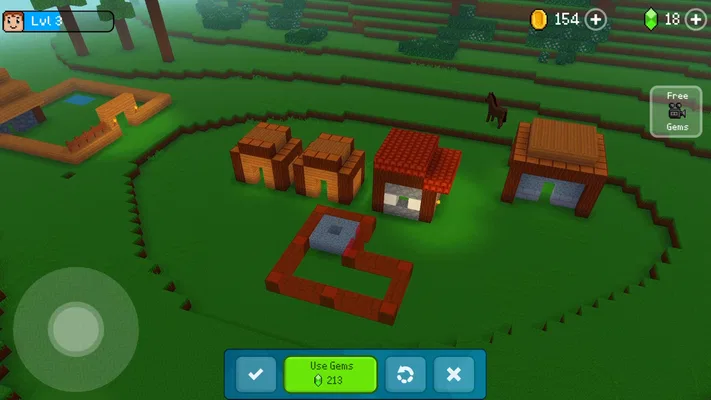
That small-project approach gives each building session a purpose. I can decide on a rough footprint, finish the basic shape, then use a later visit to refine the exterior. It also makes it easier to spot when a design is becoming more complicated than I want to manage. In a game centered on placing blocks and shaping a city, the most useful early skill is planning in small pieces, not building as quickly as possible.
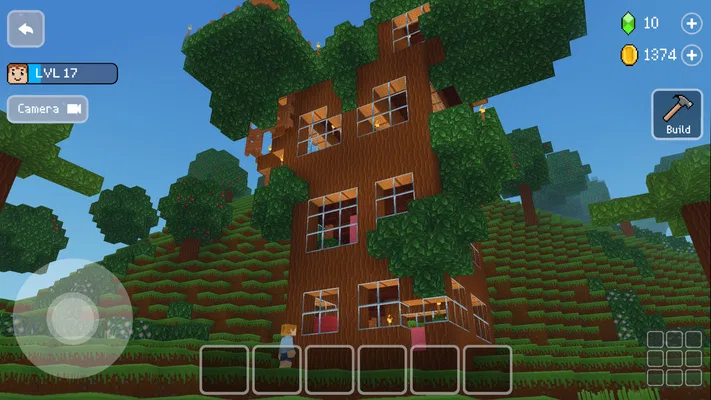
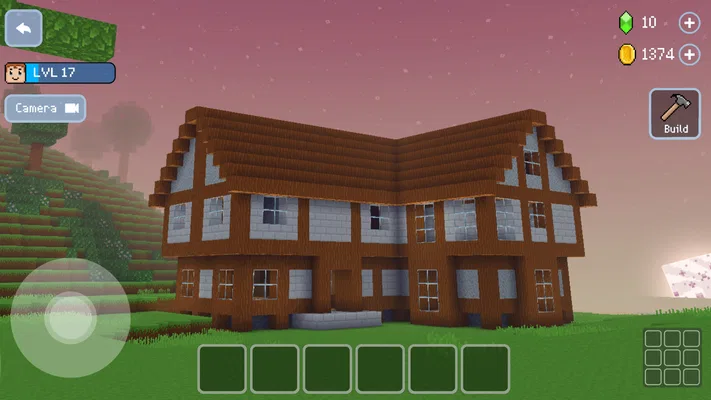
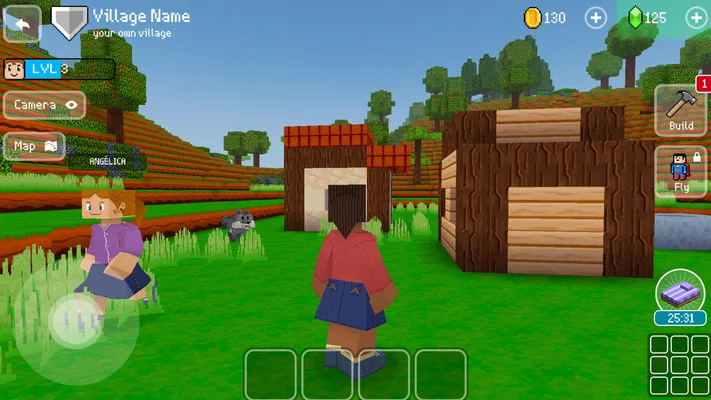
The game is an arcade-style building experience from Wildlife Studios, and its 3D presentation makes scale and layout part of the fun. I can think in terms of streets, gaps, and how one structure looks beside another instead of focusing only on a single object. That wider view is rewarding, but it also creates a trade-off: a carefully arranged town takes more patience than a quick, self-contained building.
For an everyday example, I might open it during a quiet break and add one section to a house rather than expecting to finish a whole neighborhood. That works well when I want a low-pressure activity with a visible result. If I only have a moment, I can still make a small change; if I have longer, I can think through how the next building should fit the existing space.
Make a simple plan before adding detail
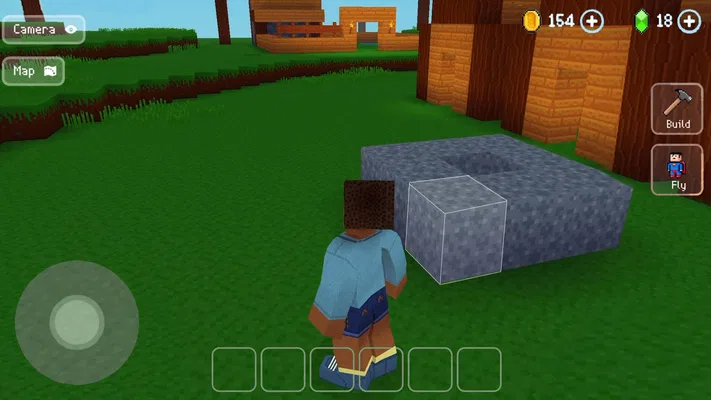
I recommend starting with the outline of a building and checking how it sits in the surrounding area before spending time on decoration. A basic shape is easier to adjust than a detailed design, so this order reduces the frustration of realizing late that the structure feels too large or awkwardly placed. It is a practical habit, not a hidden mechanic, and it helps keep an open-ended builder from turning into a series of abandoned ideas.
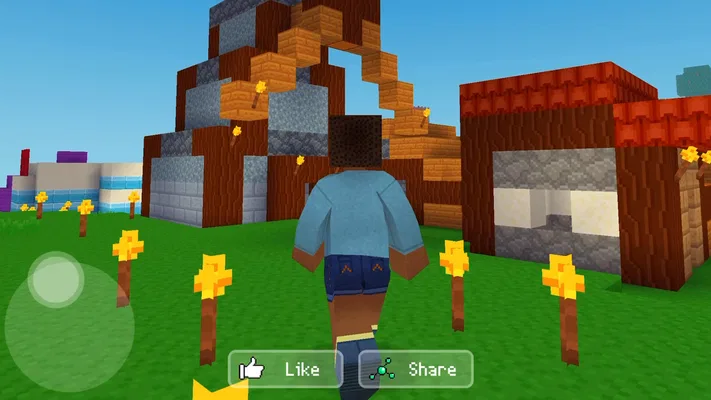
Another useful habit is to choose a visual theme for each project. Even a loose idea—such as a compact home, a civic-looking building, or a row of related structures—helps decisions feel connected. I find that a few consistent choices can make a small area feel intentional, while adding unrelated details simply because they are available can make a town look cluttered.
Setup checks that prevent avoidable frustration
Before deciding that the game is stuck, I would check the straightforward things first: whether the device has a stable connection if the current session needs one, whether the game has finished loading, and whether the device has enough free space to run comfortably. I would also confirm that the installed game is up to date in the app store. These are general checks rather than a promise that any one issue has a particular cause, but they can rule out common setup problems without changing anything in the game.
The current version is 4.9.1, and the minimum operating-system requirement is 7.0. I would compare that requirement with the device before downloading, especially if I am setting it up on an older phone or tablet. Meeting a minimum requirement does not guarantee that every device will feel equally smooth, so I would keep expectations sensible on hardware that is already slow with other 3D apps.
It is also worth thinking about cost before handing the game to a child or letting a curious player explore its menus. The game is free to install, but it includes optional in-app purchases ranging from $0.99 to $119.99 per item. I would review purchase settings on the device and make sure the person playing understands that an in-game offer is not required just because it appears. The age rating is Everyone, which makes it broadly accessible, but that does not remove the need for an adult to decide how purchases should be handled.
For storage or loading trouble, I would avoid immediately deleting the game or clearing its data. First, I would close it normally, restart the device if needed, and check that there is room for apps to operate. If I am considering reinstalling, I would first make sure I understand what progress might be retained or lost; I would not assume that a reinstall is a safe recovery method. That cautious order is useful for any game where I have spent time building something I care about.
Recovering a session without losing the thread
When a building session goes wrong, I find it helps to pause before making several changes at once. If the controls feel unfamiliar, I would try a small, low-risk placement and observe how the view and building respond. If the screen appears unresponsive, I would give the game a moment to finish loading rather than repeatedly tapping. That keeps me from turning a brief delay into a confusing sequence of unintended actions.
For a project that has become messy, recovery can be creative rather than technical. I can stop expanding, look at the overall layout, and choose one area to simplify or complete. Breaking a large plan into separate structures is a useful way to regain direction: finish one building, then decide whether the next addition belongs beside it. This is especially helpful when I have returned after a break and no longer remember the original plan.
I would also keep expectations realistic about progress. The pleasure here comes from shaping a place over time, not from assuming that every session will produce a dramatic transformation. A small improvement—a clearer entrance, a more coherent street, or a finished outline—can be enough to make the next visit easier. That mindset suits the game better than treating every session as a race to unlock or complete something.
When the problem may be outside the game
Not every slow or interrupted session points to a fault in the game itself. A device under heavy load, limited free storage, an unstable connection, or an older operating system can affect how an app behaves. I would compare the game’s performance with other demanding apps on the same device and check whether the issue happens consistently or only in one particular session. That distinction can help me decide whether to adjust the device setup or seek help for a repeatable game-specific problem.
If the issue continues, I would note what I was doing when it happened and whether it returns after a normal restart. A clear description is more useful than saying only that the game “doesn’t work,” especially if I contact the app store or the developer for assistance. I would avoid following advice that asks me to install unofficial files or share account details; ordinary troubleshooting should not require either.
It is also sensible to distinguish design frustration from a technical fault. An open building game can feel slow when I have no project in mind, and that does not mean anything is broken. If I am waiting for a tightly guided campaign, frequent high-pressure action, or a competitive arcade loop, I may simply be looking for a different kind of game. Recognizing that early saves time and makes it easier to choose an experience that matches my mood.
Who will enjoy building at this pace
Compared with the usual arcade game, which often emphasizes quick reactions and short rounds, this one puts more weight on creative decisions and gradual construction. Compared with a tightly directed city-management game, it feels more like personal building than running a complex system. That distinction matters: I would choose it when I want to make something visual and personal, not when I want deep economic planning or a clear chain of objectives.
The audience is broad. It has a 4.5 average from around 3.1 million ratings, and more than 500 million installs, so it has reached a very large group of players. Those figures tell me it is widely used, but they do not guarantee that its open-ended style will suit everyone. I would recommend it to someone who enjoys arranging blocks, developing a small idea, and returning to improve a creation; I would be less likely to recommend it to a player who needs constant direction or dislikes spending time on layout.
Block Craft 3D was released on August 24, 2016, and the current version is 4.9.1. Its long presence and broad audience make it easy to recognize as an established option in casual building, but I still judge it by the kind of session it offers. I prefer it over a more action-heavy arcade game when I want calm, visual progress. I would choose a more structured builder if I wanted detailed management goals, and a faster game if I wanted immediate pressure and a clear win-or-lose outcome.
My practical verdict
I would try Block Craft 3D: Building Game if I wanted a free, approachable way to turn a small idea into a 3D place. My best advice is to begin with one modest structure, check its proportions before decorating, and expand only when the layout feels right. That simple workflow makes the freedom feel inviting instead of overwhelming, and it gives short sessions a satisfying purpose.
The main limitation is also part of its identity: players have to supply much of their own direction. The open format is a strength for imaginative, patient builders, but a weakness for anyone who wants a guided sequence or a strong competitive hook. Optional purchases are another reason to set expectations in advance, particularly when children are playing. With those caveats in mind, I see it as a worthwhile casual choice for creative breaks—best enjoyed one thoughtful building session at a time.